Act promptly through the authorized owner
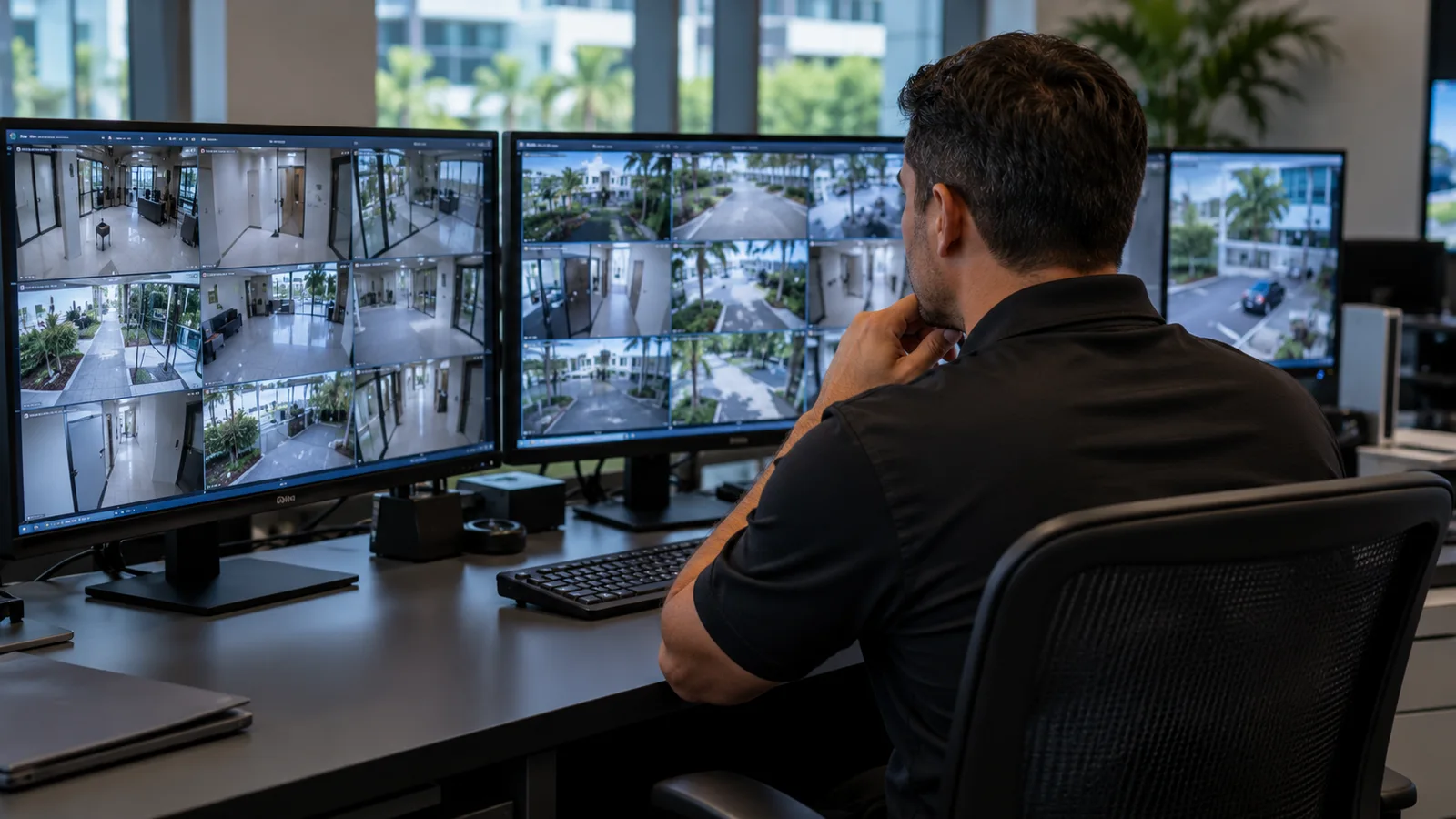
Security camera footage may be overwritten under the system’s normal retention settings. When an incident requires review, notify the authorized system owner promptly and identify the relevant time window and location. Do not assume a recording will remain available indefinitely.
Preservation decisions may involve legal, insurance or law-enforcement requirements. The responsible organization should obtain appropriate guidance. This operational checklist does not establish a universal retention period or guarantee that footage will be admissible in a proceeding.
Record the source and the request
Document who requested preservation, the incident reference, relevant cameras or areas, requested time range and the person authorized to perform the export. Note any known difference between displayed camera time and reliable event time.
Keep the original source and export details clear. NIST’s digital evidence preservation guidance emphasizes preserving digital material and the information needed to understand its handling. Qualified personnel should follow the organization’s approved technical process.
Preserve usable material without altering the original
Use the system’s supported export procedure and retain the original export as directed by the authorized process. Vendor formats may require a compatible player or other supporting information. Verify that the exported material can be opened by the intended authorized reviewer.
Do not edit, enhance, crop or annotate the only preserved copy. If an approved working copy is created for review, distinguish it from the retained original export. A phone recording of a monitor may omit important information and should not be assumed equivalent to a proper export.
Keep a clear handling record
Record who created the export, when, where it was stored and any authorized transfer. Use controlled storage and approved delivery methods. Technical integrity checks, where required, should be performed by qualified personnel using the applicable procedure.
Limit access to those with a legitimate role. Footage can contain residents, employees, visitors or unrelated activity. Do not circulate clips in informal group chats or publish them as an improvised attempt to identify someone.
Verify completion and preserve uncertainty
Confirm the requested material was actually saved and is readable. Record missing periods, unavailable cameras or other limitations instead of presenting the export as a complete account. A camera view may show only part of an event.
Coordinate retention and any release with the authorized decision-maker. Keep the incident report factual and separate what the recording visibly shows from interpretation. The goal is to preserve reliable material and its context, not to force a conclusion from an incomplete view.
Quick review checklist
- Authorized preservation request
- Source and relevant time range
- Readable original export
- Controlled storage and handling history
- Recorded gaps and retention decision
Reference: NIST: Digital Evidence Preservation.
Put the process into your site plan
Use this guide alongside our article on Security Incident Report Template: Facts, Timeline and Follow-Up. To discuss the responsibilities, operating conditions and coverage your property or event needs, contact FSO Guard about the appropriate security scope.
Frequently asked questions
How long should incident footage be kept?
The appropriate period depends on the organization’s obligations and the incident. Obtain authorized legal, insurance or investigative guidance rather than assuming one universal duration.
Is filming a monitor the same as exporting the recording?
No. It can omit quality, timing or other relevant information. Use the approved system export process where available.
Can staff edit the preserved footage to make it easier to understand?
Retain the original export under the approved process. Any authorized edited working copy should be clearly distinguished and should not replace it.